
Smart Home / Buying guide
Smarter lighting for a more comfortable home
Start with one room, check compatibility and keep everyday controls simple.
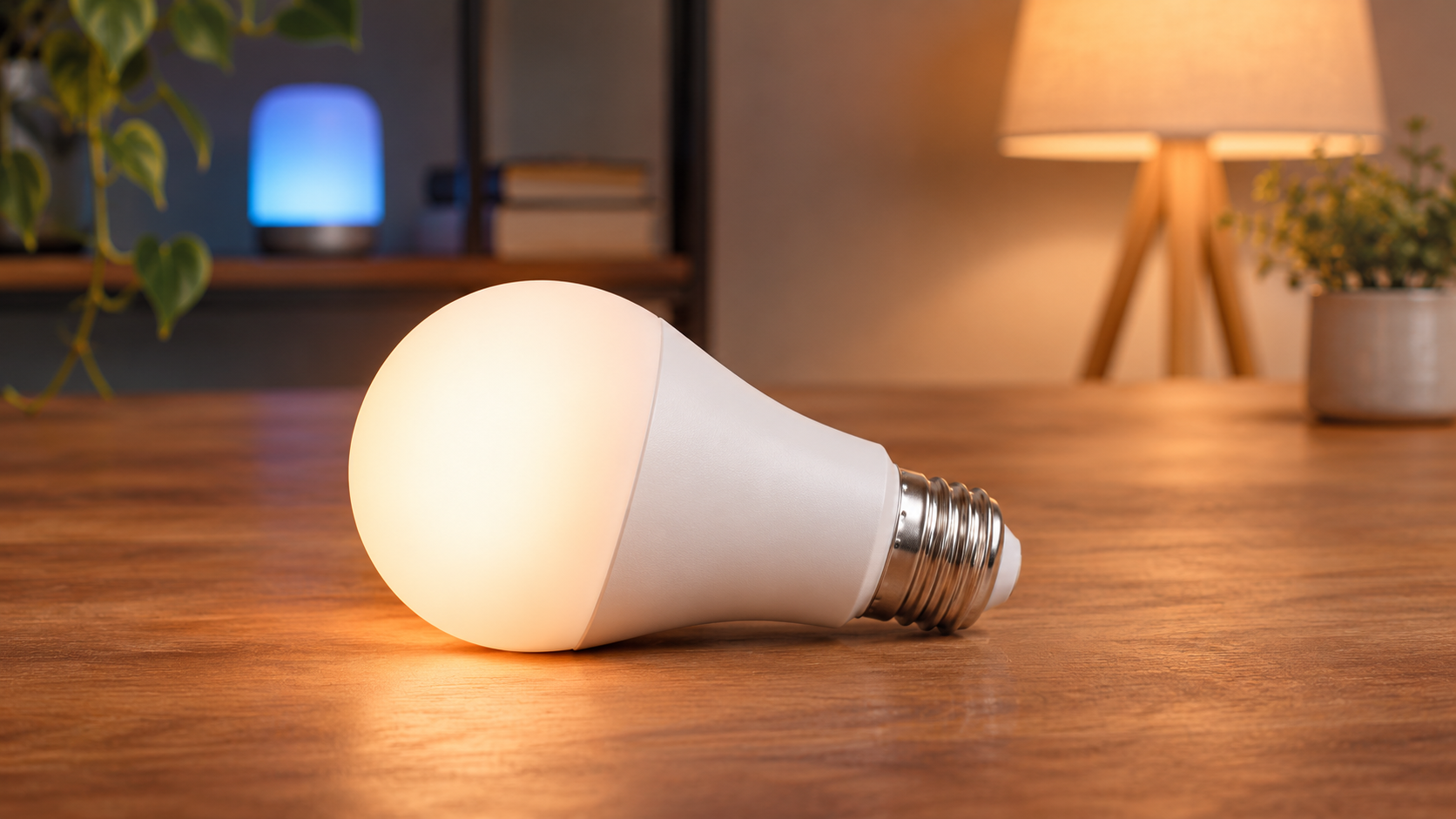
Editorial basis: general buying analysis, not a hands-on product test. Images are AI-generated illustrations and do not identify a specific model.
Start with one useful change
A bedside light on a schedule or a desk lamp with dimming can be a better starting point than replacing every bulb. Choose one situation where control would remove a daily inconvenience. Use it for a while before expanding the system.
Check the complete compatibility chain
Match the bulb base, fixture requirements and local voltage. Then check the control system: some lights connect directly to Wi-Fi, some use a bridge, and some need a compatible controller. A compatibility logo does not explain every supported feature. Read the device documentation and the requirements of your chosen ecosystem.

Keep everyday controls accessible
Everyone who uses the room should be able to turn on a light without borrowing your phone. Decide how a wall switch, remote or local control will work. Some smart bulbs become unreachable when power is cut at the switch. Confirm power-restoration behavior before relying on a schedule.
Consider privacy and reliability
Review whether setup requires an account, what remote access depends on and whether basic controls work without an internet connection. Keep device software updated through the vendor’s supported process. Choose a system you understand well enough to maintain rather than one with features you will not use.

Pros and cons to weigh
Scheduling, dimming and scene control can make a room more flexible. The downsides include setup effort, ecosystem constraints and dependence on power or connectivity. Check replacement availability and the behavior of existing dimmers before buying a group of lights.
Who it suits, and our conclusion
Smart lighting suits households with a clear use for schedules or convenient control. Standard lighting remains a reasonable choice when a switch already does everything you need. Begin small, preserve a simple physical control and expand only after the first device proves useful. Product illustrations here are not installation instructions.
Before you buy
- Check the exact model and configuration.
- Read the manufacturer’s compatibility and support information.
- Confirm the seller, warranty, return conditions and final price.
Questions or corrections? Contact the editorial team.